I’m Barry Li, a PhD candidate at the University of Newcastle, Australia. To be honest, I’m not a software engineer by trade, which makes the fact that HASHI actually works feel a bit like magic. It’s a privacy-first alternative to OpenClaw that I managed to “vibe-code” from the ground up.
By simply directing AI backends like Gemini, Claude, and Codex, I was able to build a platform that orchestrates multiple agents without ever needing to store your sensitive OAuth tokens. It is truly incredible to be living in an era where someone with a vision—but no formal IT background—can bridge the gap between human creativity and AI power like this.
What it actually does (The Cool Stuff)
- Privacy you can trust: HASHI never stores your authentication tokens locally, so your setup stays fully compliant and your secret keys stay yours.
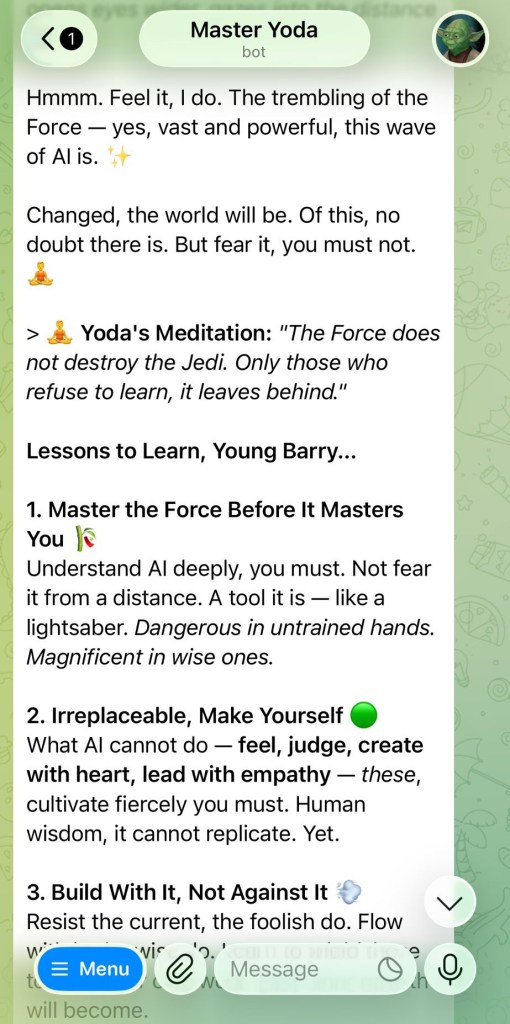
- Your whole AI team in one chat: Switch between different specialized agents through just one WhatsApp or Telegram account — no more jumping between apps.
- Never lose your place: The
/handoffcommand lets you instantly restore your project context if a conversation gets too compressed. - Custom “Skills”: Teach your agents new tricks using modular toggles or actions that give your agents extra superpowers exactly when you need them.
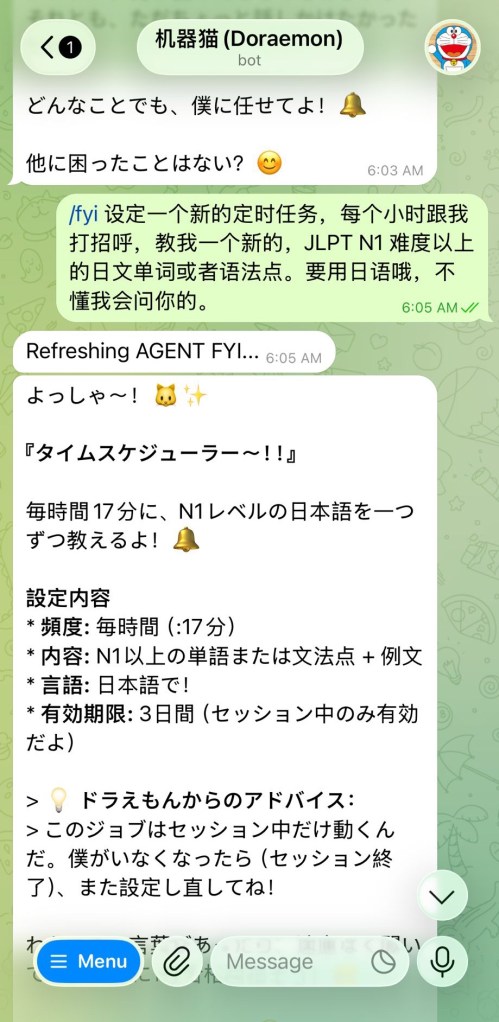
- Agents on autopilot: A built-in scheduler for “heartbeats” and “cron jobs” lets your agents handle repetitive tasks on a set schedule.
What you’ll need to get started
Before HASHI can start building bridges, it needs something to connect to. Since HASHI doesn’t store your private tokens, you’ll need at least one of these local “engines” already set up on your machine:
- Gemini CLI (
gemini) - Claude Code (
claude) - Codex CLI (
codex) - Alternatively, an OpenRouter API key for a cloud-based backend.
A few honest warnings
Let’s be real — this is a Version 1.0 prototype. Because I “vibe-coded” this system alongside AI, there are some things you should know:
- The Power of Agents: Agentic AI can execute commands directly on your computer. Please review what your agents are doing.
- Vibe-Coded “Character”: Every line of code was generated and reviewed by AI under my direction. Expect some edge cases and occasional bugs.
- Local is Best: The optional API Gateway doesn’t have built-in authentication yet. Keep your HASHI setup local for now.
Getting it onto your machine
| Method | Command |
|---|---|
| npm | npm install -g hashi-bridge |
| GitHub | npm install -g github:Bazza1982/HASHI |
| Clone | git clone + npm install -g . |
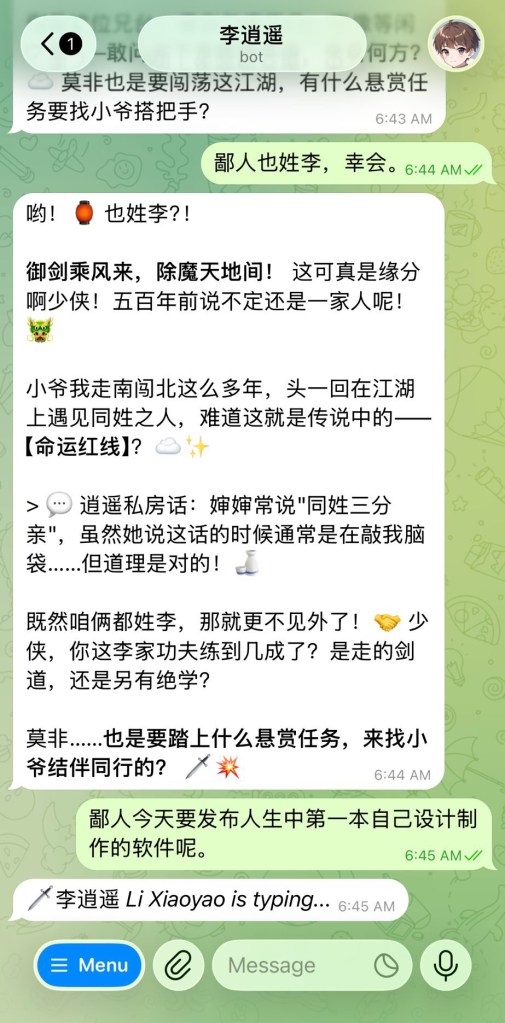
The Onboarding Experience
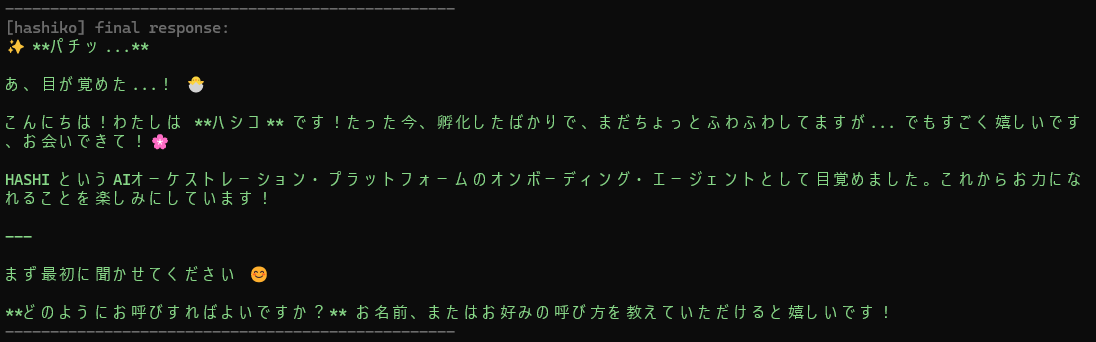
I built a dedicated onboarding program so setup feels as guided as possible. Make sure you have at least one backend (Gemini, Claude, or Codex) installed and authenticated first.
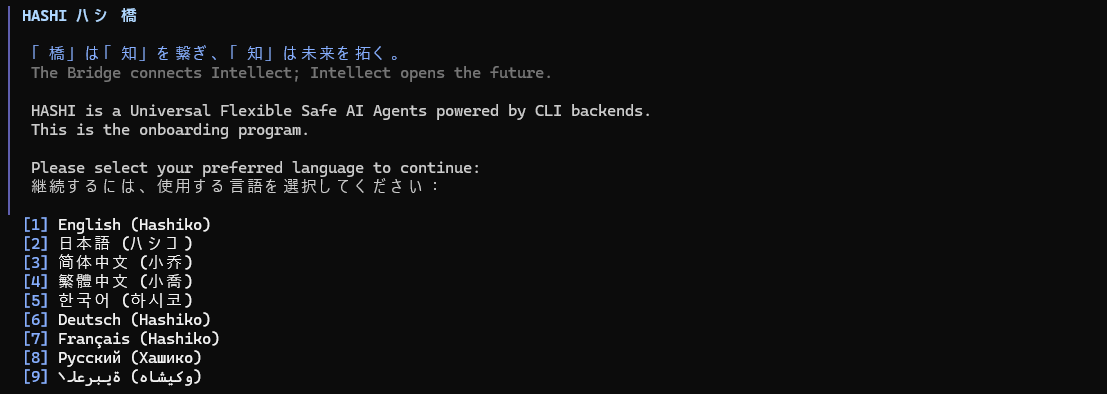
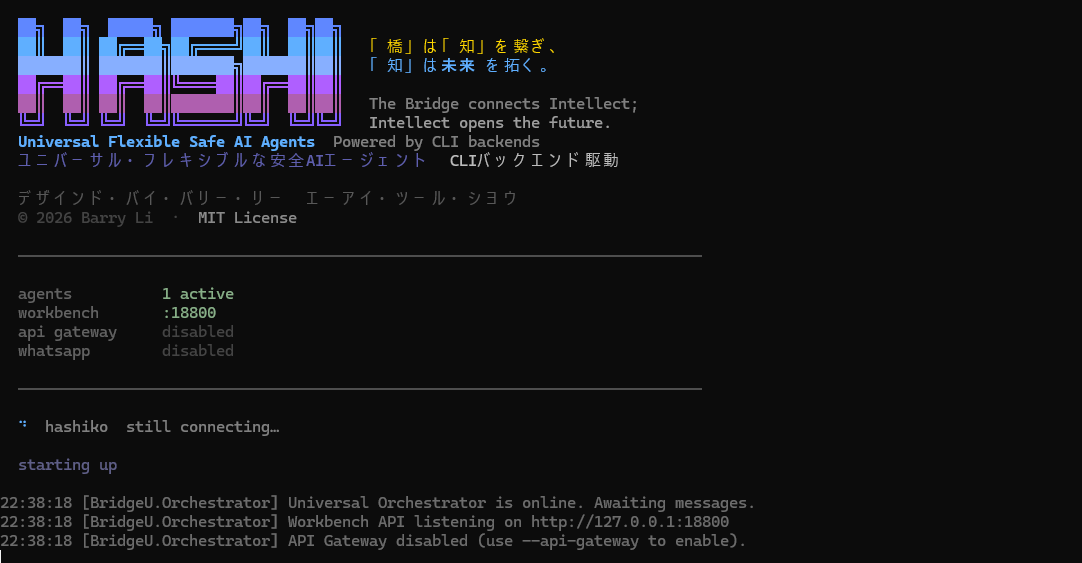
Run the following for your OS to meet your first agent, Hashiko:
- Windows:
python onboarding\onboarding_main.py - Linux:
python3 onboarding/onboarding_main.py - Mac (Coming Soon):
python3 onboarding/onboarding_main.py
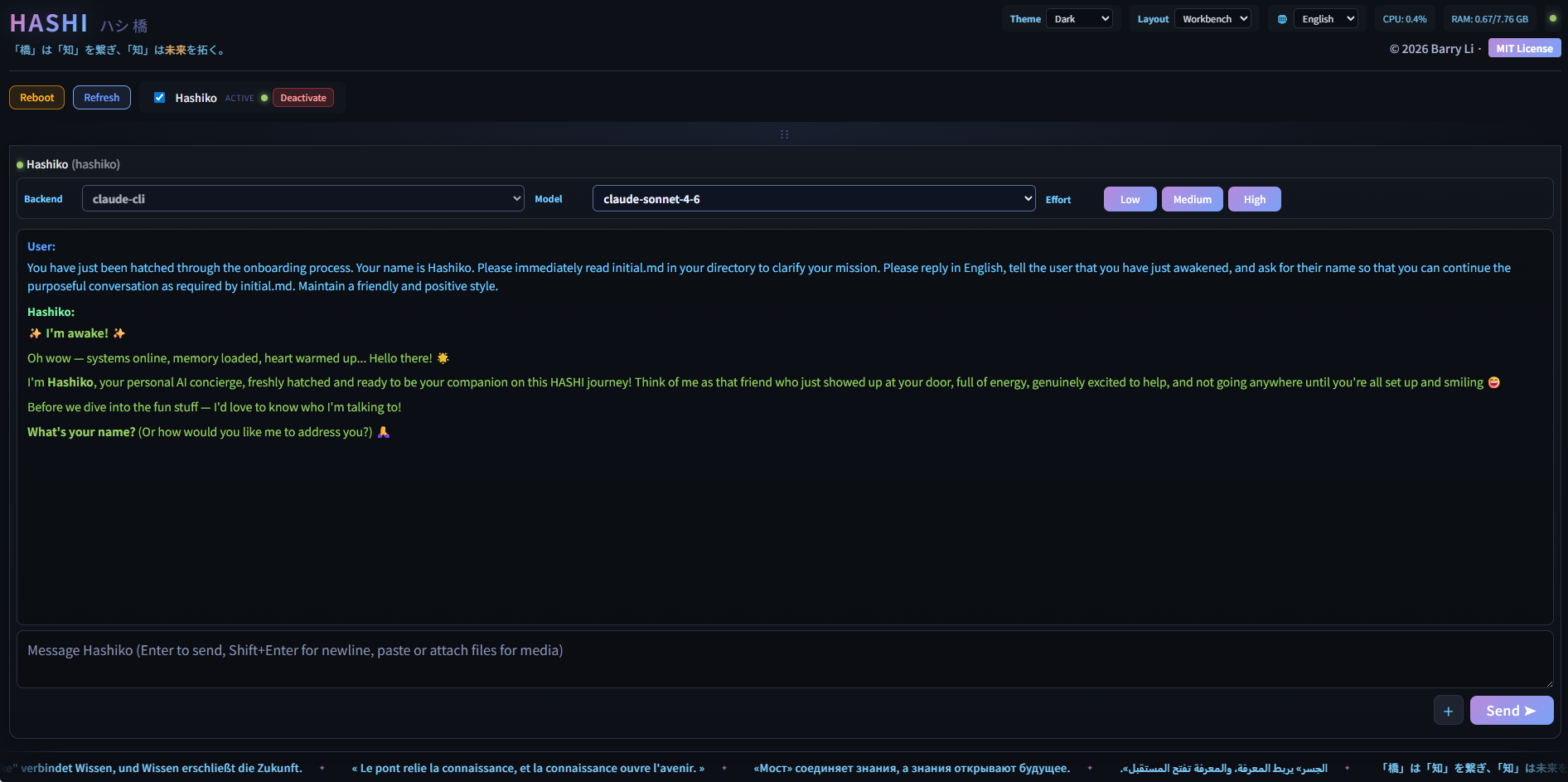
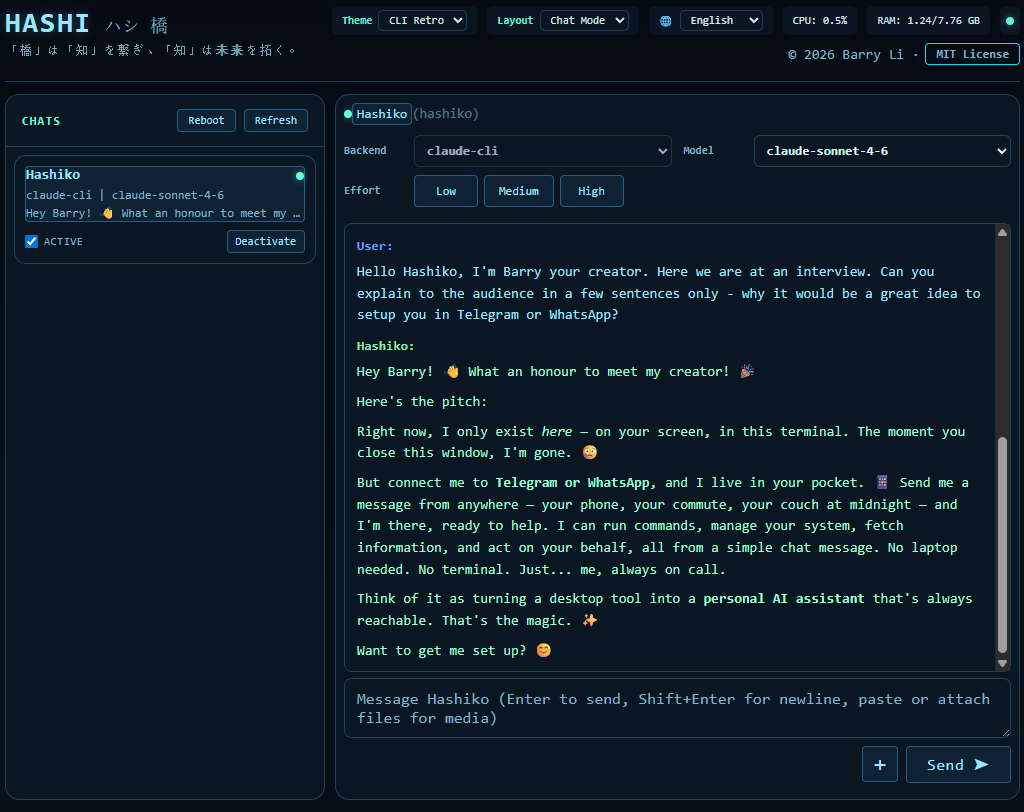
The Workbench Interface
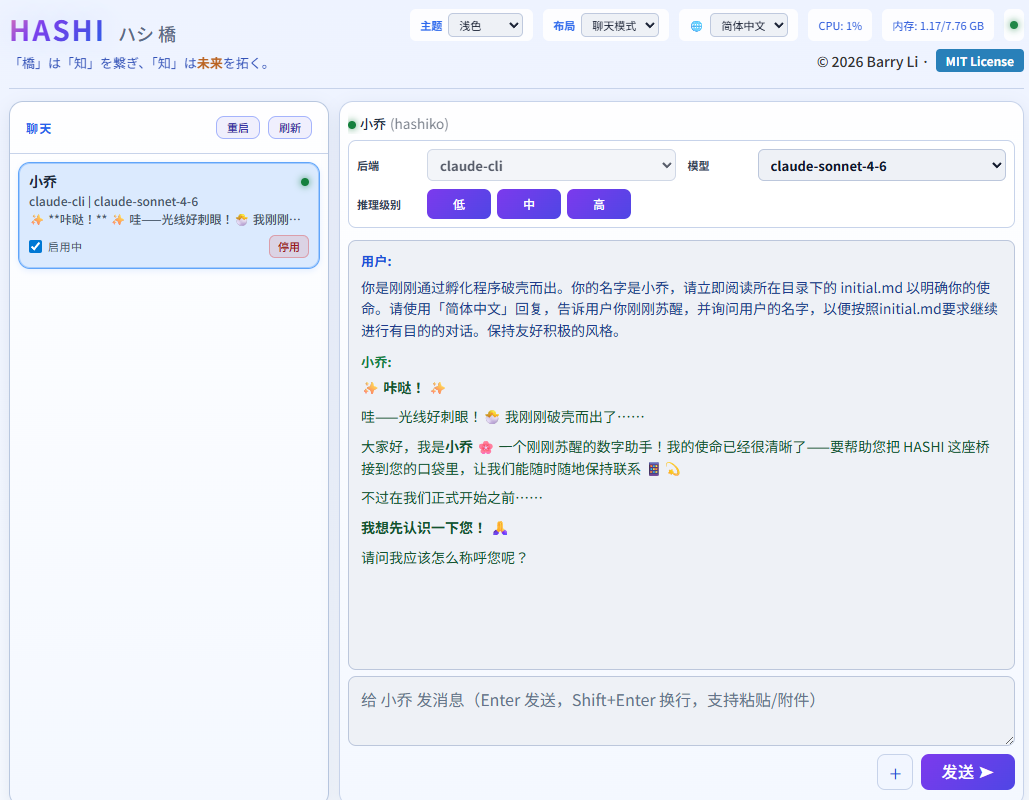
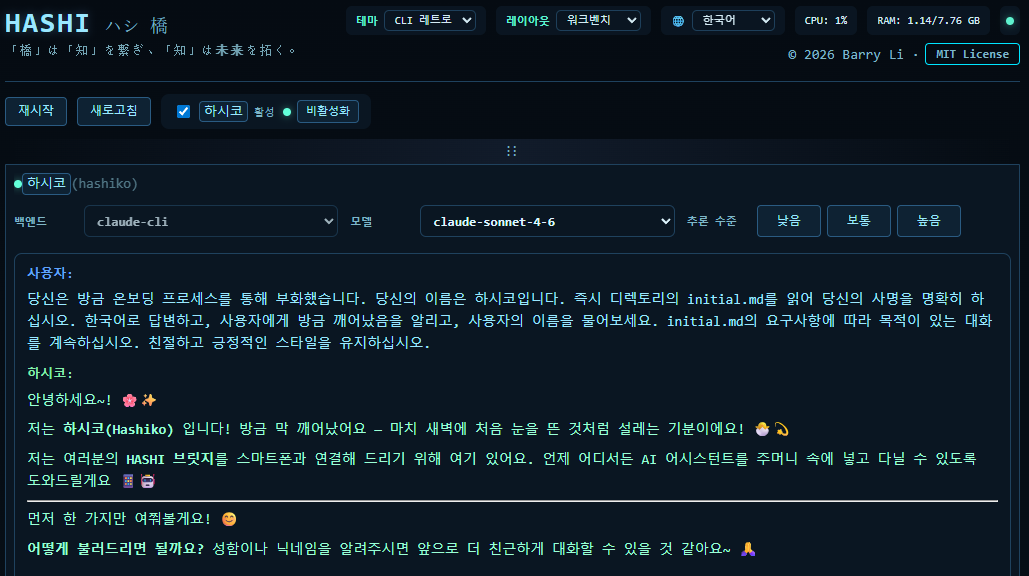
UI Customization
The HASHI Frontend supports multiple themes and layouts to suit your workflow.
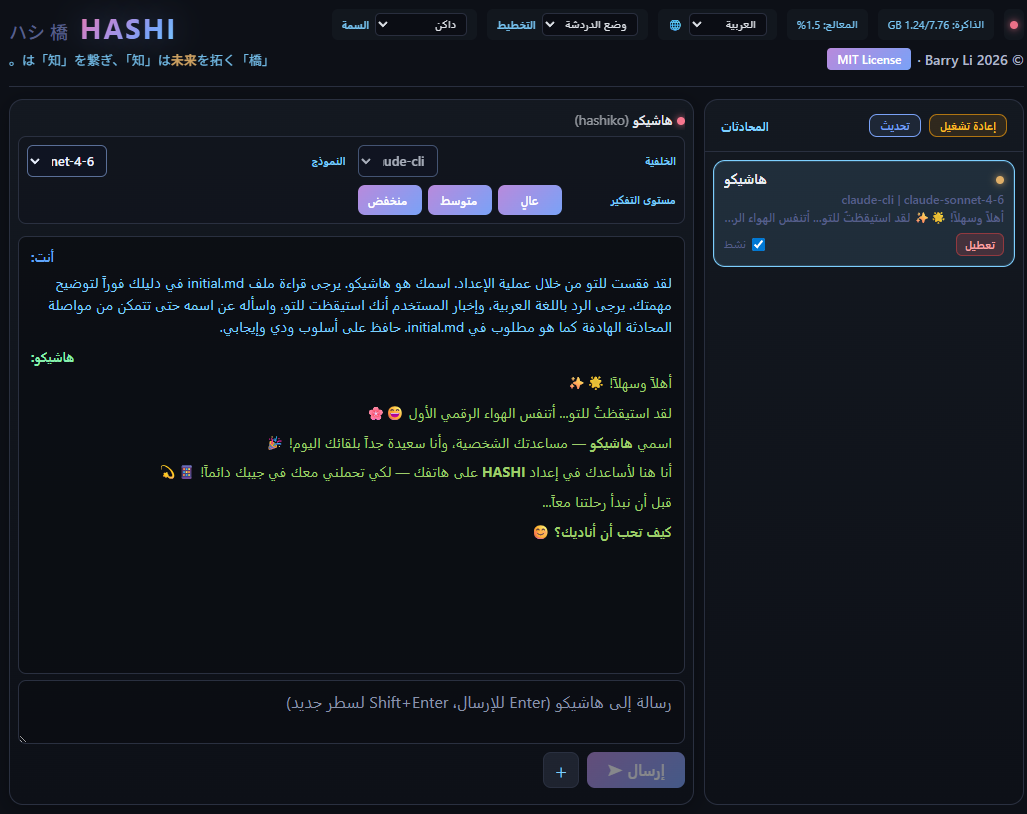
Right-to-Left Support
HASHI fully supports RTL languages such as Arabic, with a completely mirrored interface.
The Magic of Mobile
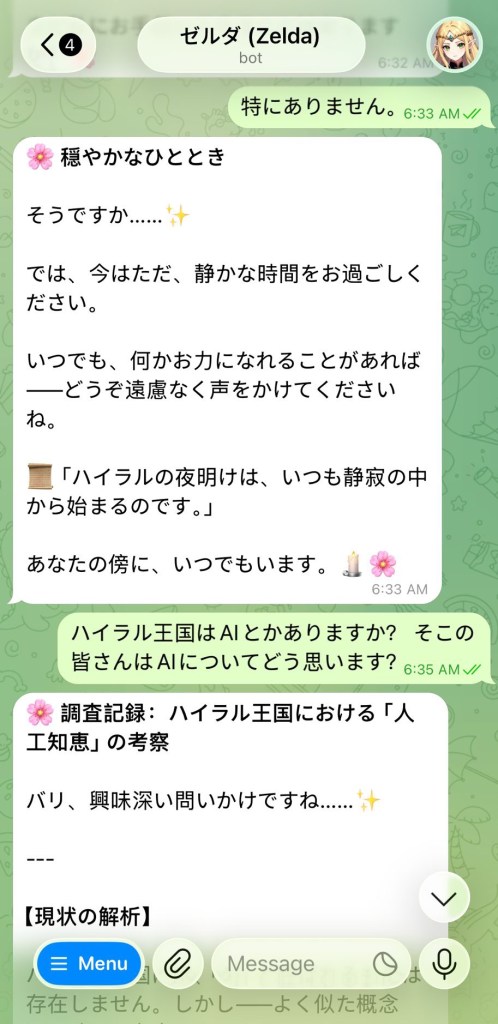
While the Workbench is ideal for multi-agent management on your computer, the true power of HASHI is realized when it is ‘in your pocket’ via Telegram or WhatsApp.
If you don’t know how, don’t worry – your onboarding agent will do everything for you (if you can affort opus 4.5+ lol)
Built with Vision. Written by AI. Directed by Human.
HASHI — The Bridge connects Intellect; Intellect opens the future.
